
5 Best AI Grading Tools for Handwritten Papers & Descriptive Exams (2026)
As classroom sizes expand and teacher burnout reaches critical levels, grading subjective exams remains one of the largest administrative bottlenecks in education. We review the top 5 AI grading software programs of 2026 to see which tool handles handwriting, rubrics, and step-marks best.
Historically, computerized grading was limited to Multiple Choice Questions (MCQs) processed via optical mark readers (OMR). When it came to descriptive answers, essay prompts, mathematical derivations, or physics proofs, schools had no choice but to rely on tedious manual grading. A teacher checking a descriptive answer sheet spends an average of 8 to 12 minutes per student. Multiplied across hundreds of mock exams and board papers, this manual process eats up hours of valuable prep time.
Enter **AI Grading Software**. Powered by advanced Large Language Models (LLMs) and handwriting Optical Character Recognition (OCR), modern grading platforms can read cursive handwriting, evaluate complex logic sequences, match steps against custom rubrics, and suggest grades with high accuracy.
However, not all AI grading tools are created equal. Some excel at institutional LTI integrations, while others are built for quick essay checks in K-12 classrooms. In this deep-dive guide, we compare the top 5 AI grading tools on the market in 2026.
Quick Comparison: Top AI Grading Software
| Platform | Handwriting OCR | Grading Focus | Key Advantage |
|---|---|---|---|
| GradeSense | Yes (95%+ Accuracy) | Subjective & STEM Step-marks | Custom multi-tier rubrics + absolute teacher override |
| GradeLab | Yes (Moderate) | Institutional Scaling | LMS roster sync and institutional compliance audits |
| Gradescope | Semi-Manual Clustering | Manual Hybrid Grouping | Large-scale manual grading speedup via optical grouping |
| CoGrader | No (Typed Text Only) | K-12 Essay Evaluation | Quick Google Classroom essay grading overlays |
| Ed.ai | Yes (Simple Print) | Basic Worksheets | Automated digit checking for early elementary math |

GradeSense
Best for: Detailed descriptive exams, subjective boards, and competitive mock test evaluation.
**GradeSense** has emerged as the gold standard for institutions looking to grade descriptive papers. Instead of focusing solely on typed essays or simple math worksheets, GradeSense was engineered specifically to handle the most difficult format: **handwritten, multi-step subjective answer sheets**.
It combines a cutting-edge handwriting transcription model (boasting over 95% OCR accuracy) with a highly customizable **Rubric Engine**. Teachers upload scanned PDFs of student booklets, define step-mark milestones (e.g., granting partial credit for writing the correct formula or setting up the right equation), and let the AI propose marks.
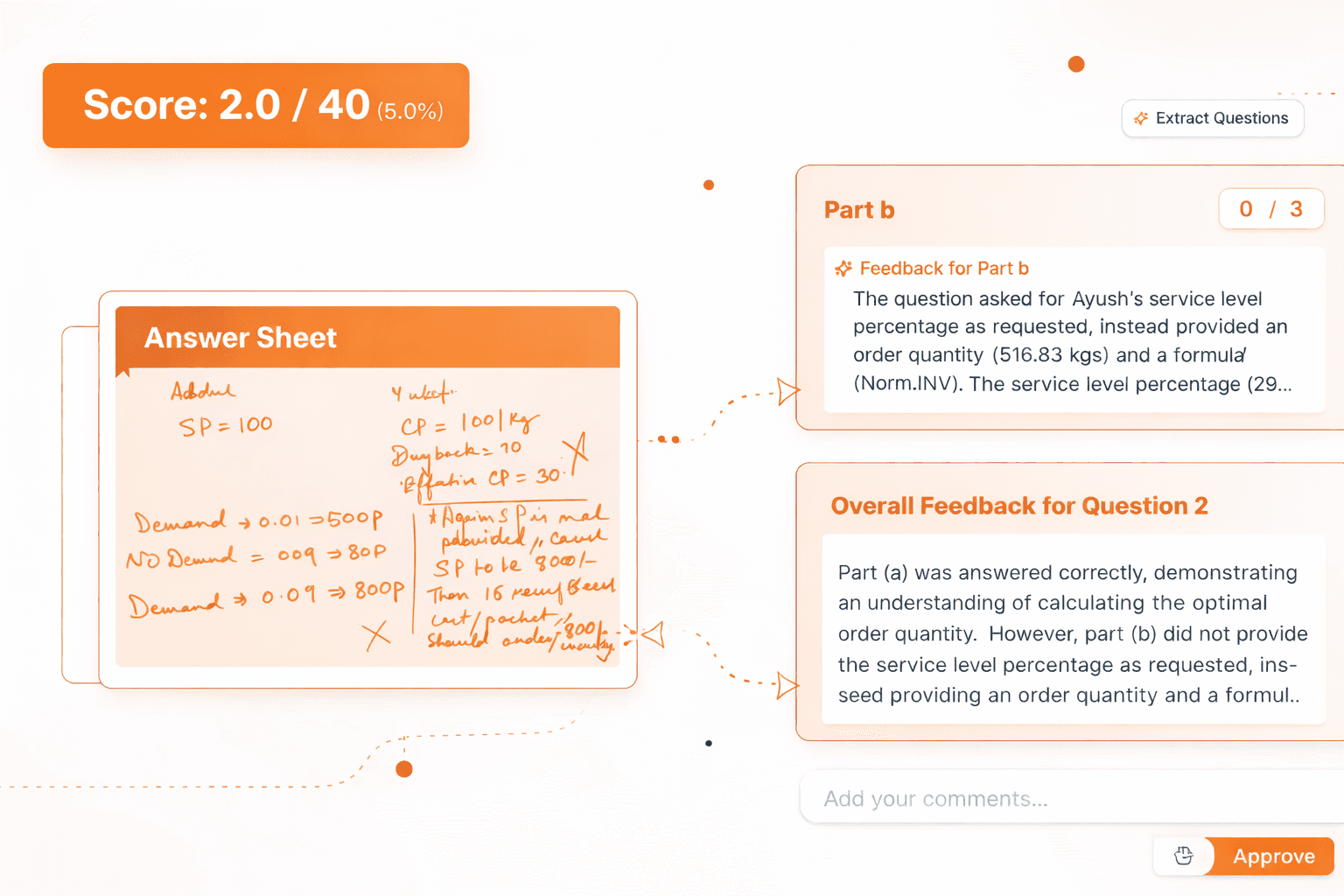
Figure 1: Real screenshot of the GradeSense OCR engine transcribing mathematical handwriting and evaluating step-marks.
Crucially, GradeSense implements a **human-in-the-loop philosophy**. The AI never automatically publishes a score without teacher consent. The teacher review panel allows educators to review proposed step-marks side-by-side, override any AI decisions, and personalize feedback comments with a single click.
👍 GradeSense Pros
- High-accuracy cursive and math handwriting OCR.
- Granular step-wise marking and rubric matching.
- 100% manual teacher override control.
- Secure data hosting (FERPA, GDPR compliance).
👎 GradeSense Cons
- Pilot programs require a brief onboarding consultation.
- Advanced OCR needs high-resolution scans.

GradeLab
Best for: Large-scale universities needing enterprise compliance and SIS integrations.
**GradeLab** is a major enterprise player in the institutional grading space. Designed for university registrars and department chairs, GradeLab focuses heavily on compliance, double-blind grading workflows, and massive integrations with Student Information Systems (SIS).
GradeLab excels at coordinating grading across multiple sections and campuses. It allows deans to set global grading rules and automatically tracks variance between different evaluators to ensure fairness. However, it requires a heavy setup process and institutional pricing commitments, making it less suitable for smaller coaching centers.

Figure 2: Real screenshot of the GradeLab platform homepage.
GradeLab Workflow Specifications
Enterprise ScalingEnforces complete student directory syncing with Canvas and Blackboard Student Information Systems.
Splits exam scripts between independent evaluators to identify inter-rater grading variance.
Keeps detailed logs of all grading edits, revisions, and feedback for administrative deans.
Engineered specifically to support university-scale student enrollments across campuses.
👍 GradeLab Pros
- Excellent double-blind grading protocols.
- Deep integration with legacy SIS networks.
👎 GradeLab Cons
- Extremely expensive enterprise-only pricing.
- Complicated setup requiring institutional IT approval.

Gradescope
Best for: High-volume exam sorting and manual hybrid grading.
Owned by Turnitin, **Gradescope** is a widely adopted tool in university STEM departments. Unlike AI-native platforms, Gradescope doesn't read subjective student answers to evaluate their semantic correctness. Instead, it relies on a manual clustering workflow.
Gradescope scans handwritten answers and groups similar-looking mathematical equations, diagrams, or short-answer text blocks together. The teacher or teaching assistant must then manually review each cluster and assign points. This significantly speeds up manual grading for structured math worksheets, but it does not automate evaluation for descriptive paragraph essays or complex, non-standard student derivations.
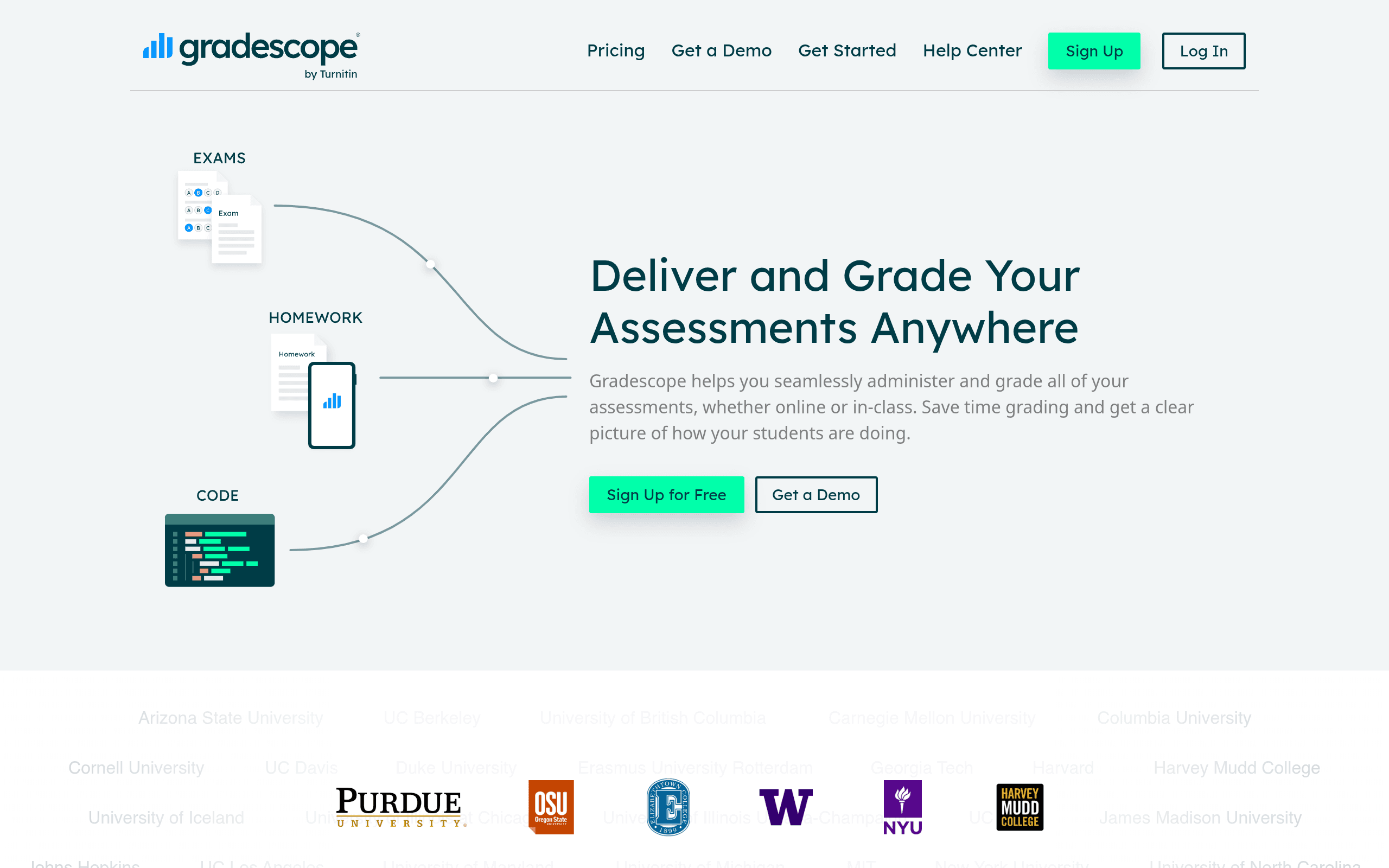
Figure 3: Real screenshot of the Gradescope homepage.
Gradescope Workflow Specifications
Manual Helper FocusGroups scanned mathematical calculations visually for TAs to grade manually.
Splits scanned booklets using page templates and QR coordinate alignments.
Syncs scores directly to Canvas, Moodle, and Blackboard Learn gradebooks.
None. Functions solely as a visual grouping assistant; does not read text meaning.
👍 Gradescope Pros
- Fast groupings for simple math answers.
- Broad university adoption and history.
👎 Gradescope Cons
- No semantic AI descriptive grading.
- Outdated user interface with tedious upload rules.

CoGrader
Best for: K-12 teachers grading typed essays in English.
**CoGrader** is a popular utility extension designed specifically for K-12 teachers working with Google Classroom. It reads typed student essays (Google Docs files), compares them against common writing rubrics (such as structure, grammar, style, and thesis development), and provides automatic feedback suggestions.
While it is highly intuitive for English and humanities classes, CoGrader does not possess a handwriting OCR engine. It cannot scan or evaluate handwritten test booklets, math calculations, or physical paper submissions.
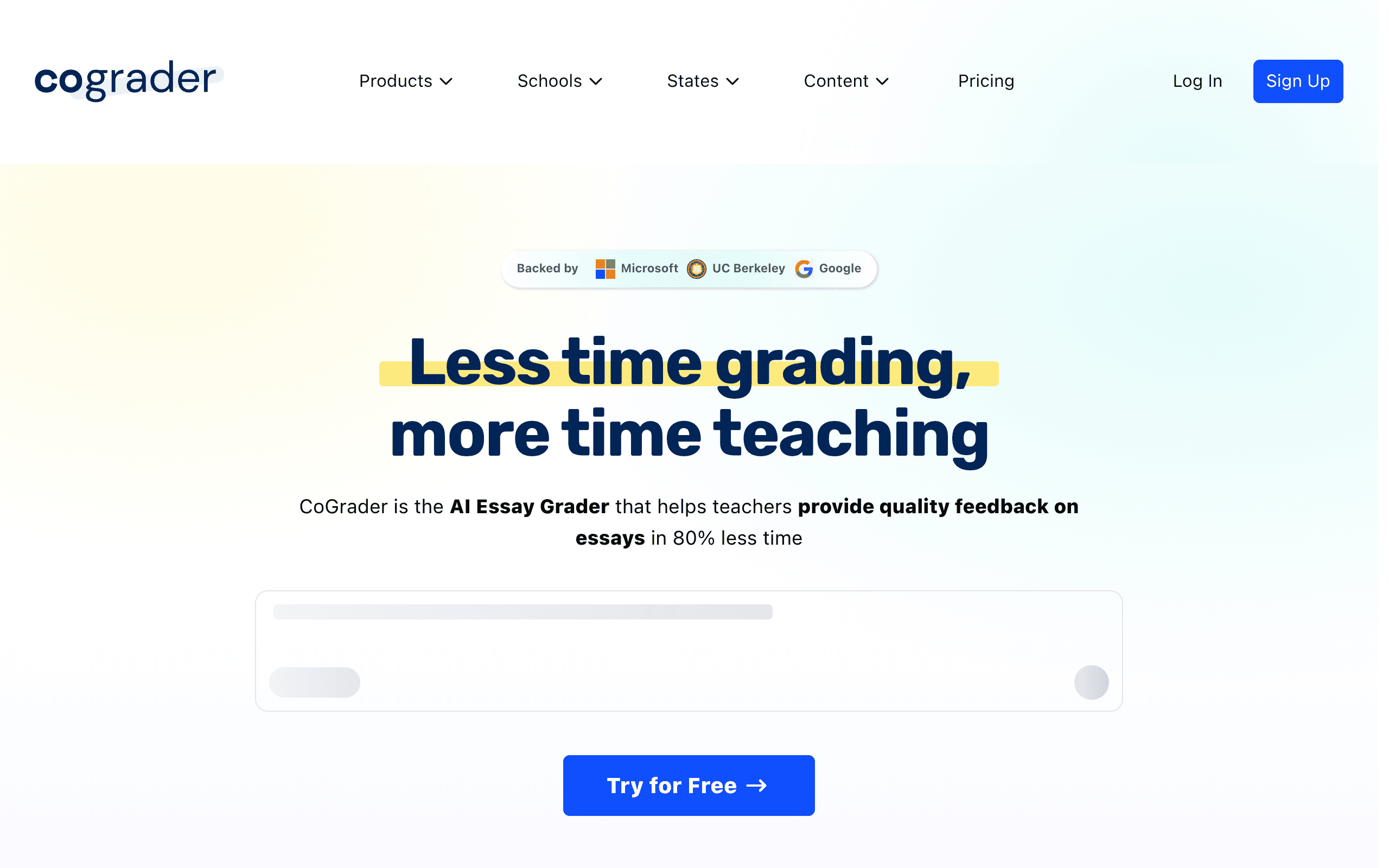
Figure 4: Real screenshot of the CoGrader platform homepage.
CoGrader Workflow Specifications
K-12 Essay FocusEvaluates spelling, structure, grammar, and syntax of Google Docs typed files.
Imports student assignments and rosters directly from Google Classroom.
Proposes comments based on standard rubric guidelines for humanities and essays.
None. Limited strictly to typed text documents and files.
👍 CoGrader Pros
- Simple, user-friendly extension overlay.
- Works well for high school essay formats.
👎 CoGrader Cons
- Cannot read handwritten papers.
- Not suited for STEM, math proofs, or logic equations.

Ed.ai
Best for: Grading elementary homework sheets and simple print layouts.
**Ed.ai** is designed for early-childhood and elementary classrooms. It uses basic print OCR to verify simple worksheets (e.g., verifying if a student wrote "12" in a box or connected the right lines).
For primary schools, it provides a fun, gamified way to verify homework compliance. However, it lacks the advanced mathematical logic systems or natural language understanding required to grade descriptive board papers or competitive entrance exams.
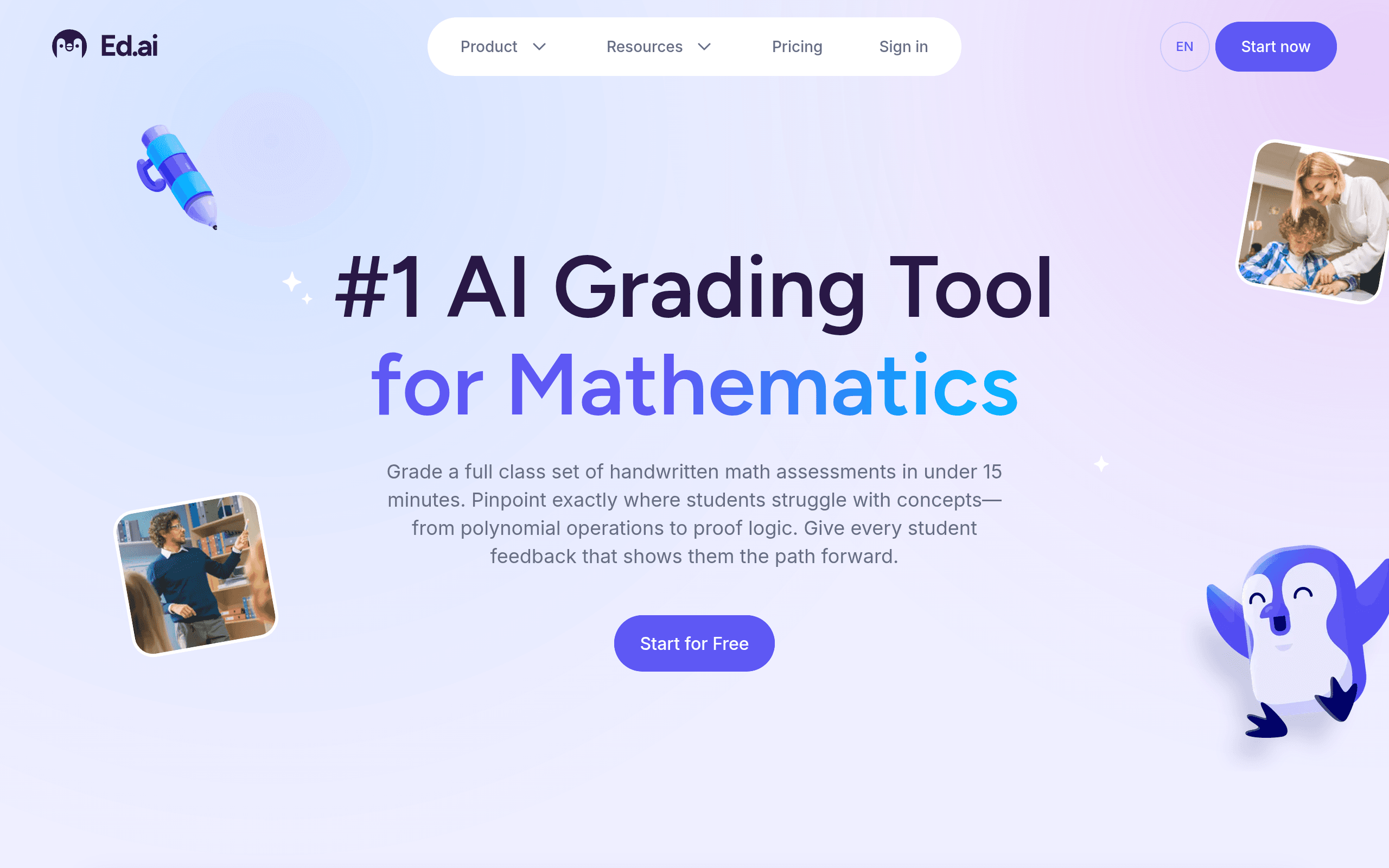
Figure 5: Real screenshot of the Ed.ai platform homepage.
Ed.ai Workflow Specifications
Worksheet FocusVerifies handwritten digits or checkmarks inside defined boxes on standard print worksheets.
Provides gamified, simple interfaces suitable for primary education homework validation.
Matches uploads against fixed grid coordinates for template scoring.
None. Limited strictly to basic text and digit verification in designated cells.
👍 Ed.ai Pros
- Fun, gamified interface for young students.
- Quick checks on standard worksheet layouts.
👎 Ed.ai Cons
- Limited to simple print OCR in designated fields.
- No support for complex formulas or paragraph evaluation.
How to Choose the Best AI Grading Tool for Your Institution
When evaluating AI grading tools, you must consider the specific needs of your curriculum, student cohort, and teaching staff. Here are the four key factors to consider:
- Answer Format (Handwritten vs. Typed):
K-12 classrooms routinely grade typed essays, but entrance mock tests, math exams, and board papers are almost always handwritten. If your students write on physical answer booklets, you need a platform with robust handwriting OCR capabilities like GradeSense. - Descriptive Grading Logic:
Basic tools grade answers based on simple keyword matches. However, students can explain concepts using various synonyms or logical structures. A high-quality tool uses semantic LLM capabilities to grade the *meaning* of the explanation rather than just doing a keyword count. - Granular Step-Marking:
In STEM fields, grading is rarely binary. Students must receive partial credit for correct steps even if the final result is incorrect. Ensure the tool you select supports custom rubric parameters for step-by-step marking. - Teacher Override Control:
AI should assist teachers, not replace them. Avoid platforms that do not provide clear visual breakdown overlays showing *why* a grade was proposed, or those that restrict teachers from overriding marks and custom-editing student feedback comments.
Verdict: GradeSense Offers the Best Subjective Grading Experience
For schools and test-prep coaching centers (preparing students for boards, CBSE, JEE, NEET, IB, or AP), **GradeSense** offers the only fully integrated subjective grading workflow. Its 95%+ OCR accuracy, robust custom rubric step-marking, and teacher moderation dashboard make it the superior choice for descriptive paper evaluation.
Frequently Asked Questions
Can AI accurately grade subjective or descriptive student answers?
Yes. Modern AI grading platforms like GradeSense use advanced LLMs (Large Language Models) combined with customized multi-tier rubrics to parse subjective student answers. They analyze logic, equations, and mathematical steps rather than just searching for exact keyword matches, yielding 95%+ grading alignment with expert human teachers.
Does AI grading software support handwritten paper evaluation?
Only some tools support handwritten answers. Platforms like GradeSense feature specialized high-accuracy handwriting OCR engines designed to parse cursive text, math notations, and diagrams from scanned exam answer booklets, while others are restricted to typed text submissions.
Is AI grading compliant with student privacy regulations like FERPA and GDPR?
Yes, premium educational AI grading platforms align with SOC-2, FERPA, and GDPR requirements. They ensure all student data is encrypted at rest and in transit, and do not use student submissions to train open public foundation models.
Do teachers lose control when using AI grading?
No. GradeSense functions as a grading assistant. The AI drafts step-marks and writes feedback summaries, but the teacher review dashboard gives educators absolute veto power. Teachers can adjust any mark, rewrite comments, and lock the final grade before publishing.
Gradescope is a registered trademark of Turnitin, LLC. GradeLab, CoGrader, and Ed.ai are trademarks of their respective owners. GradeSense has no affiliation with these companies, and references to their services are solely for comparative analysis and educational reviews.